
Ditto supports multiple ways to interact with voice, record voice messages, listen to responses read aloud, and have real-time voice conversations with Live Mode.
Voice Input
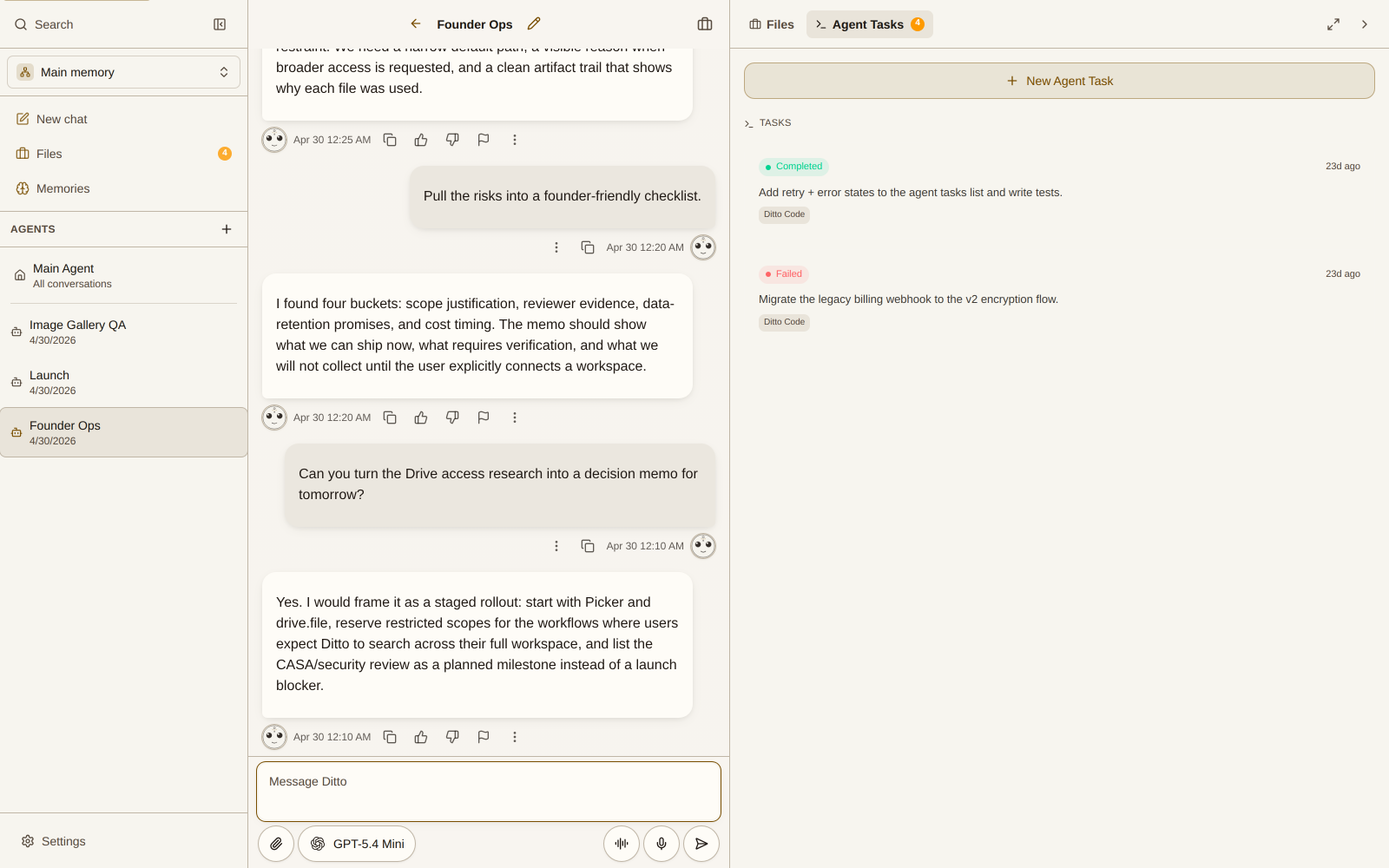
Tap the microphone icon in the input bar to record a voice message. Ditto transcribes your speech and responds as if you had typed the message.
Read Aloud
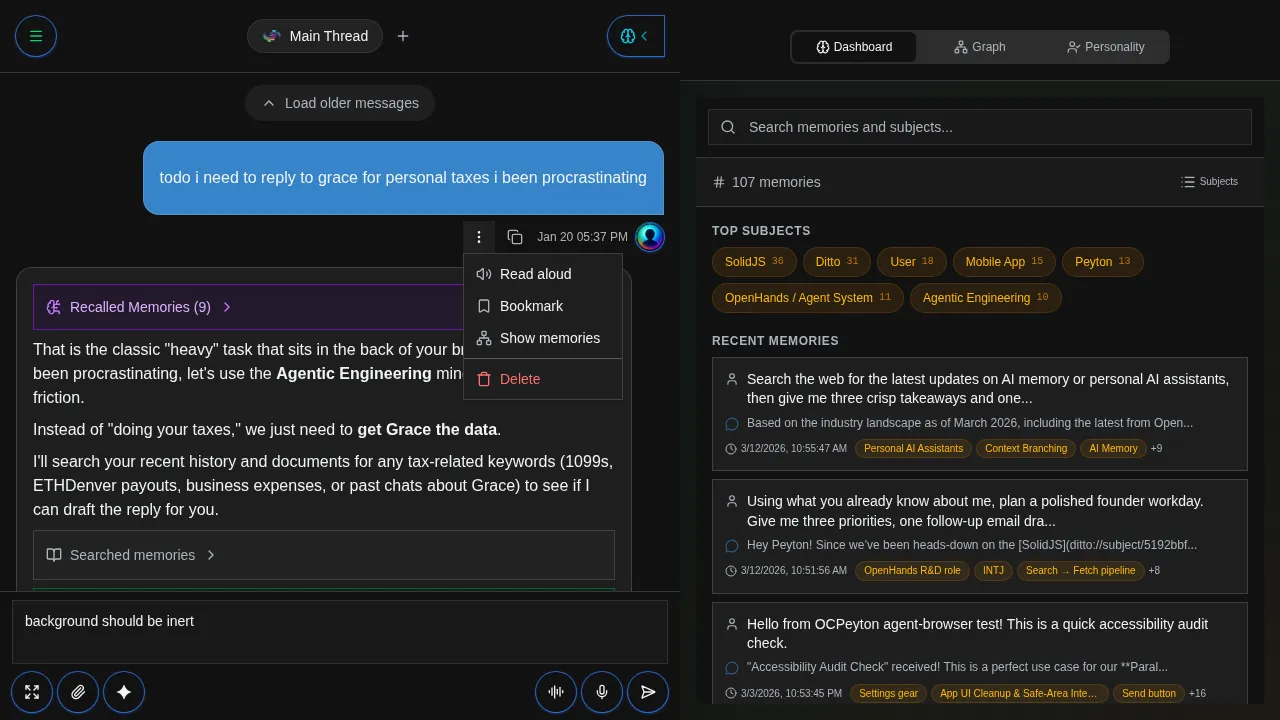
Have Ditto read any response out loud. Tap the More actions menu (three dots) on any assistant message and select Read aloud. Ditto uses text-to-speech to read the response in your chosen voice.
Live Mode
Live Mode enables real-time, back-and-forth voice conversations with Ditto, like a phone call. Tap the waveform icon next to the microphone to enter Live Mode.
In Live Mode:
- Speak naturally and Ditto responds in real time
- No need to tap a button for each message
- Great for hands-free use while driving, cooking, or multitasking
Choosing a Voice
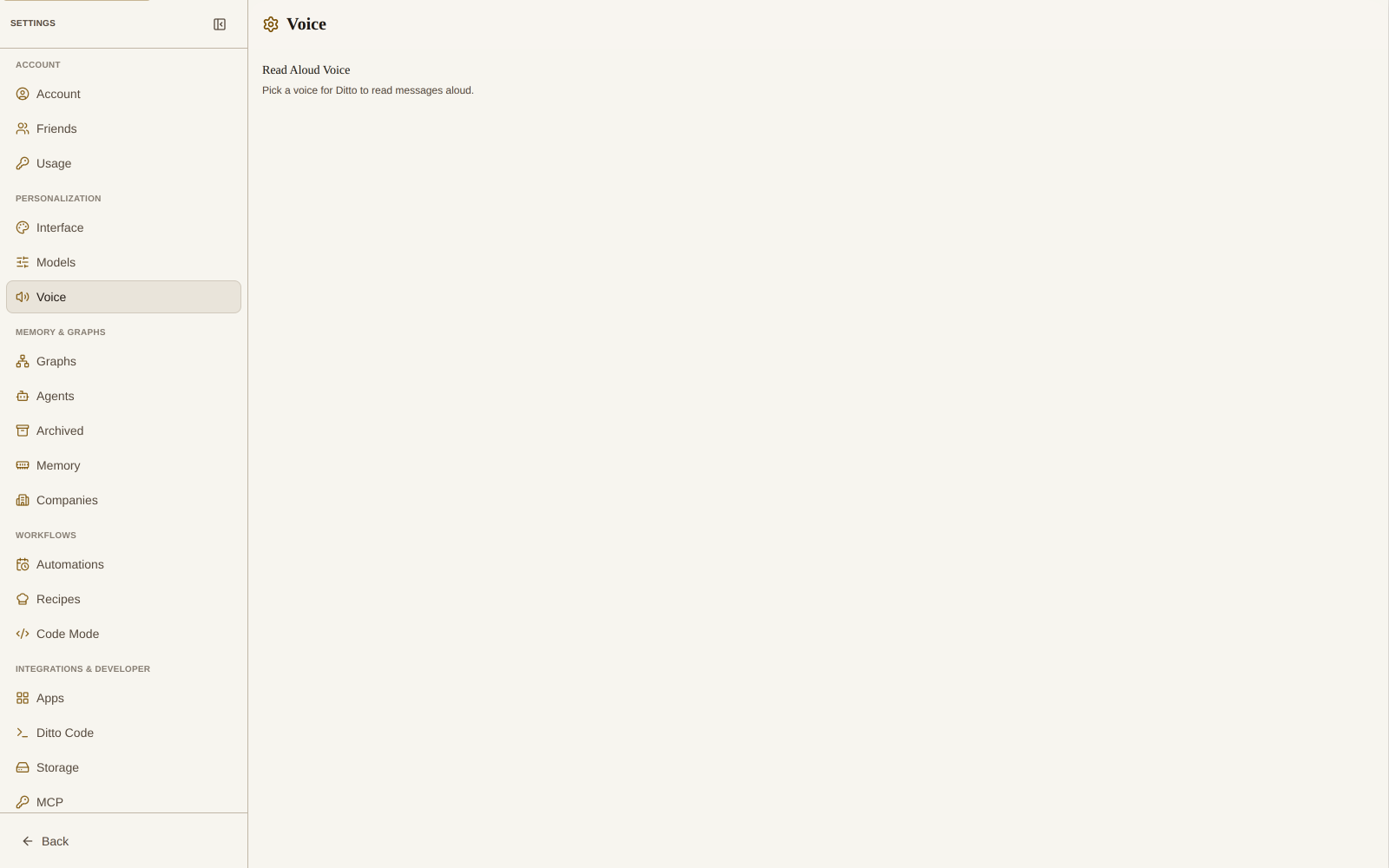
Ditto offers a wide selection of voices organized by category. Go to Settings → Voice to browse and preview voices before selecting one.
Each voice has:
- A unique name: like Achernar, Charon, or Zephyr
- A personality description: “Warm and expressive,” “Grounded and steady,” etc.
- A preview button: listen before you choose
Your selected voice is used for both Read Aloud and Live Mode.