
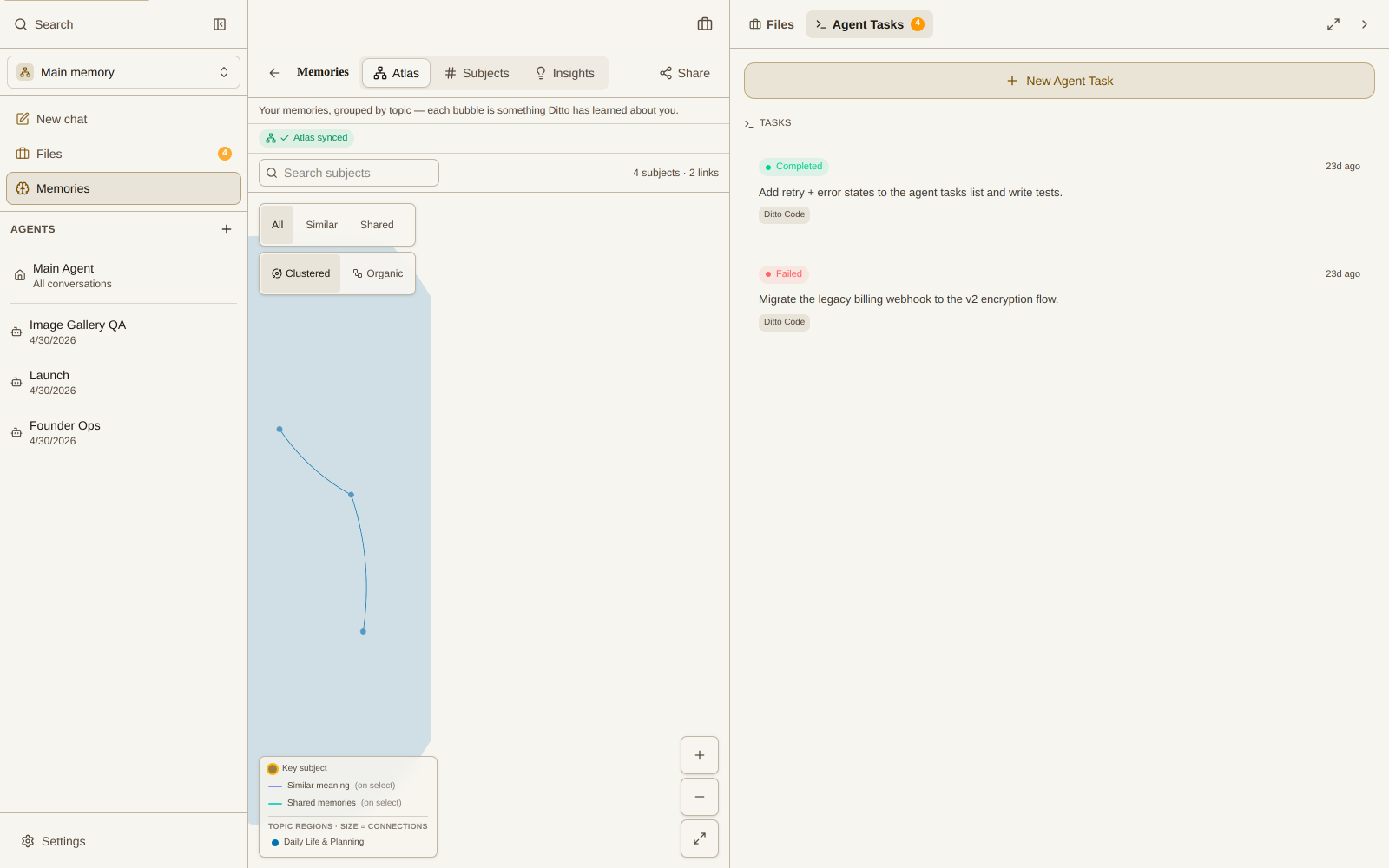
Ditto’s memory network visualization is one of its most powerful and unique features. Unlike traditional AI assistants that treat each conversation as isolated, Ditto builds a comprehensive memory graph that shows the connections between your ideas, questions, and conversations.
What is the Memory Network?
The memory network is Ditto’s visual representation of its “artificial hippocampus” - the system that stores and organizes all your interactions. It creates a rich knowledge graph of your preferences, experiences, and context that evolves over time.
Key Features
Interactive Visualization
- Dynamic Graph View: See your memories represented as nodes in an interactive network
- Hierarchical Organization: View parent-child relationships between memories
- Subject Nodes: Related subjects appear as satellite nodes around memories
- Smooth Navigation: Pan, zoom, and explore your memory landscape with fluid controls
Memory Node Details
- Quick Preview: Hover to see basic tooltips
- Full Context: Click/tap nodes to view the full memory details, including:
- Original prompts and responses
- Creation timestamps
- Related memories and subjects
- Management Tools: Remove memories and manage subjects from the network experience
How to Access Your Memory Network
- During any conversation with Ditto, click the Memory Network icon on a message
- Choose a message as the root node
- Ditto generates the network and lets you explore related memories and subjects
On wide screens, the memory network can appear in a sidebar alongside your conversation. You can also open a full-screen memory dashboard for deeper exploration.
Memory Dashboard (Top Bar → Memories)
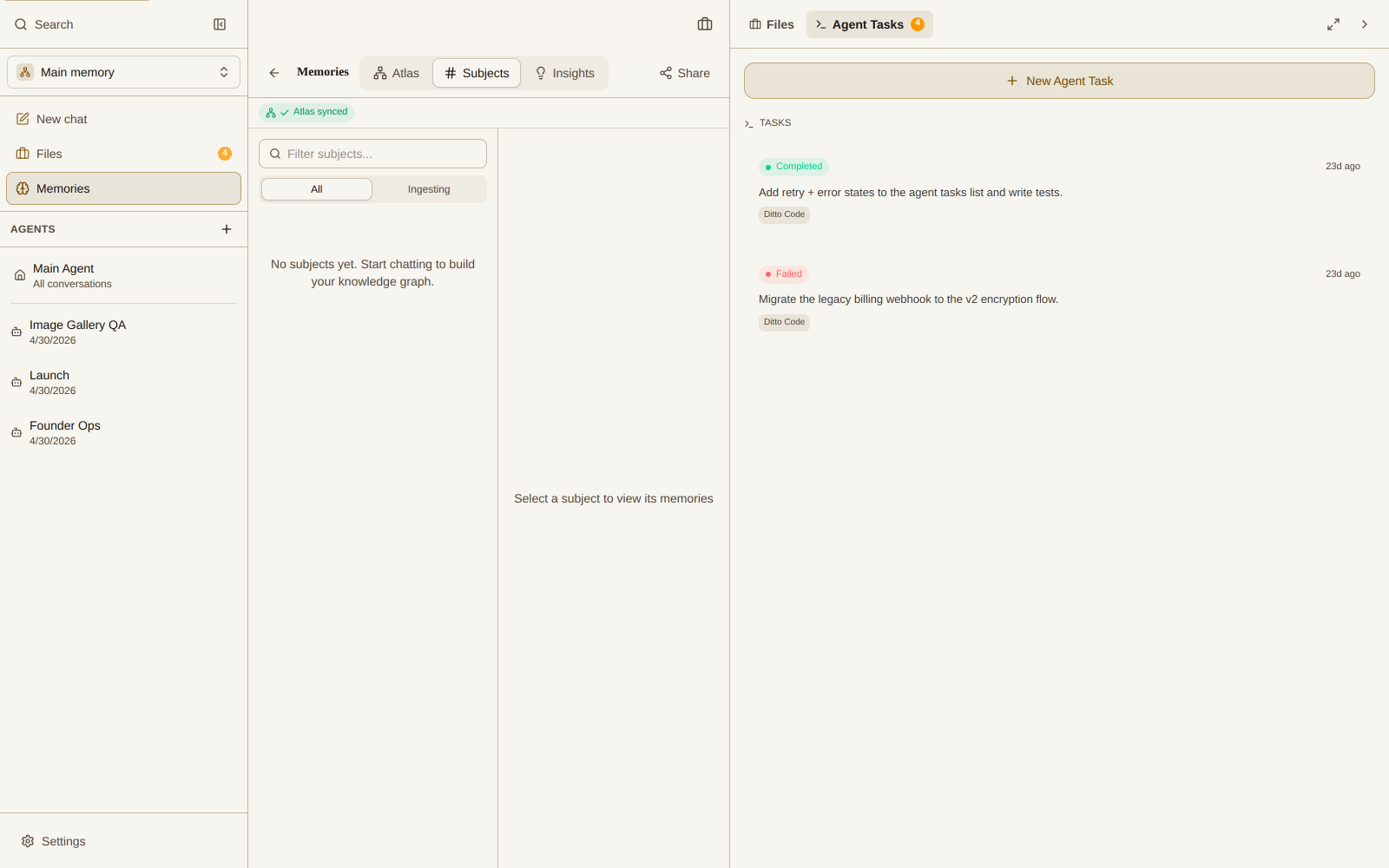
The Memories dashboard opens a full-screen Neural Memory Network view with:
- Graph and card views so you can scan visually or read memory cards
- Search to find related memories by topic
- Subject and key-subject nodes to highlight important themes
- Quick focus controls to zoom and reset the view
Practical Applications
Knowledge Management
Use the memory network to organize complex research topics and see how different concepts connect.
Learning Progress
Track your learning journey by visualizing how new information builds on previous knowledge.
Creative Projects
Map out brainstorming sessions and see how ideas evolve and connect over time.
Decision Making
Review past decisions and their contexts to improve future choices.
Technical Implementation
Behind the scenes, Ditto uses vector embeddings and a graph visualization engine to render the network efficiently. Layout and performance optimizations keep the graph responsive as it grows.
Coming Soon
Future updates to the Memory Network visualization will include:
- Memory tagging and categorization
- Custom node grouping
- Enhanced filtering options
- Memory importance weighting
- Export and sharing capabilities
The Memory Network visualization makes Ditto not just an AI assistant, but a true knowledge companion that grows and evolves with you over time.