
Ditto’s settings are organized into tabs, each controlling a different aspect of your experience. Open Settings from the sidebar menu.
Custom instructions (under Interface)
To change how Ditto responds, open Settings → Interface. Custom instructions is at the top, above appearance controls. Choose Your account or an individual Ditto in Apply to, then manage personality, writing preferences, and optional memory-maintained topics.
See Custom Instructions for setup steps and an explanation of Instruction keeper. The appearance Live preview does not preview instruction behavior.
Account
Manage your profile, linked accounts, display preferences, and subscription.
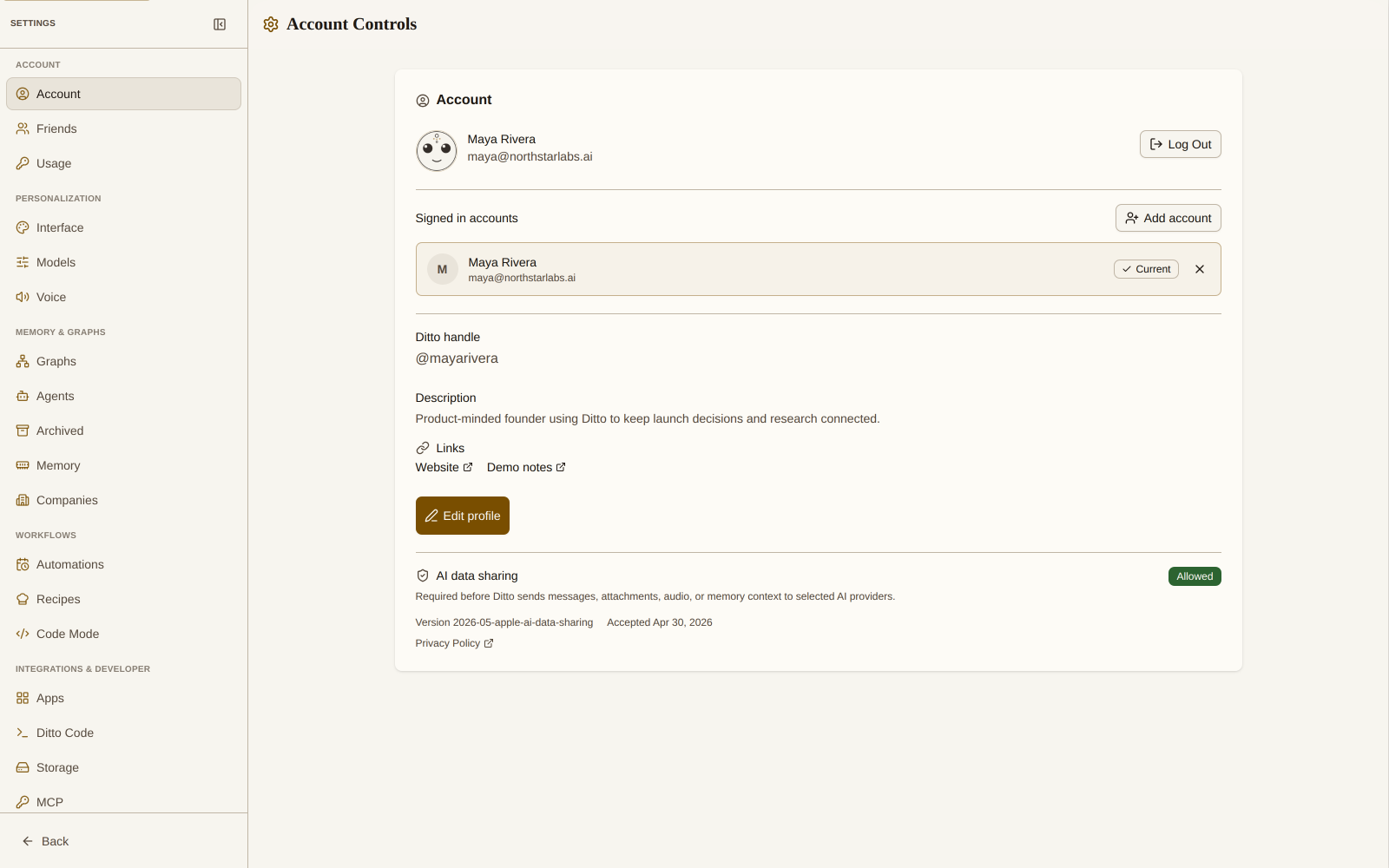
- Profile: your display name and email, with a log out button
- Linked Accounts: email/password, Google, and GitHub authentication
- Display: theme toggle (light/dark) and font size (small, medium, large)
Models
Browse and select AI models from multiple providers. Each model card shows its capabilities, speed, and cost.
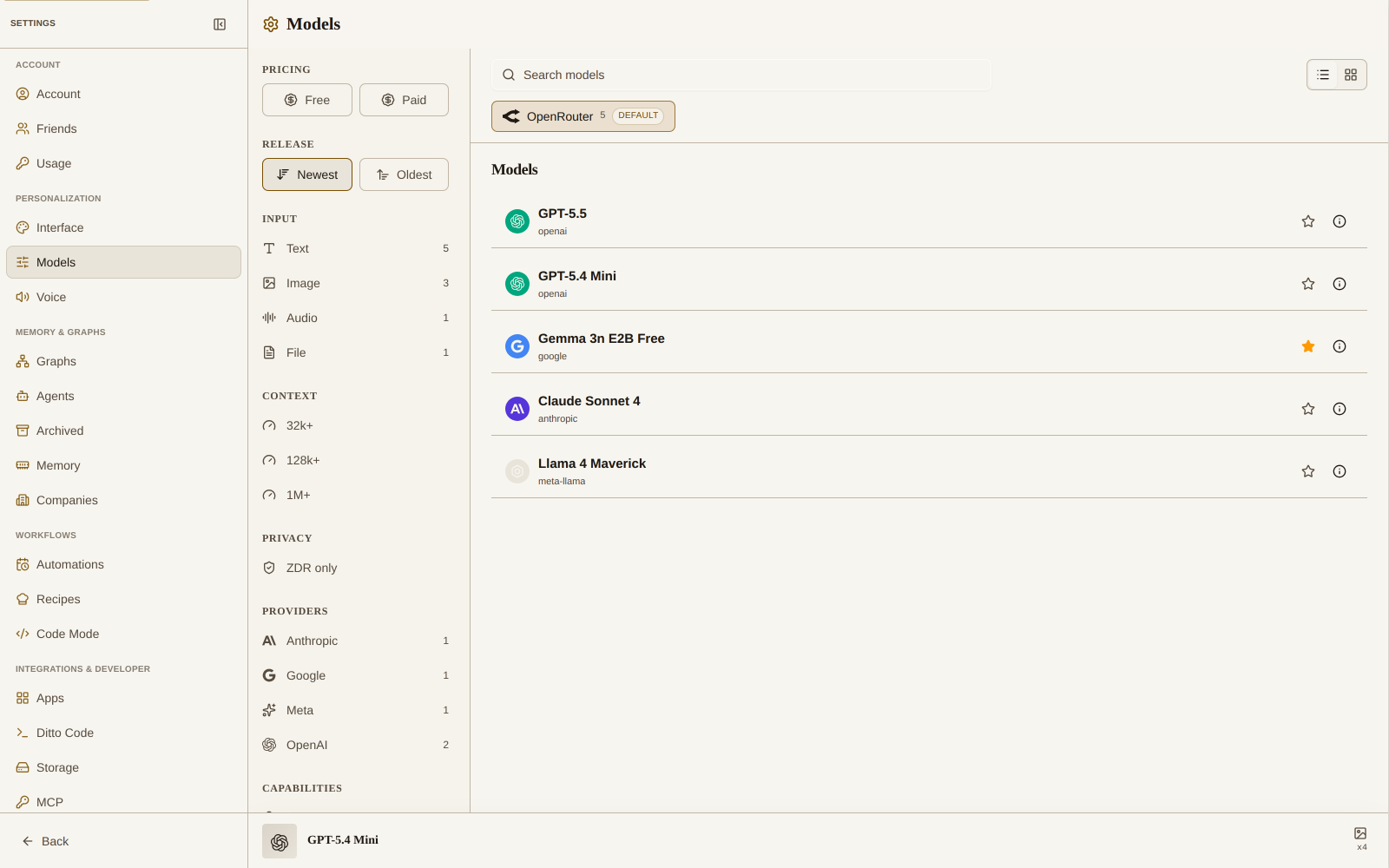
- Providers: filter by OpenAI, Anthropic, Google, xAI, or Moonshot
- Model cards: see speed, intelligence, image support, and context window
- Active model: shown at the bottom with detailed stats
- Sort options: organize by recently added, name, or provider
Memory
Control how much recent conversation context Ditto keeps in its working memory.
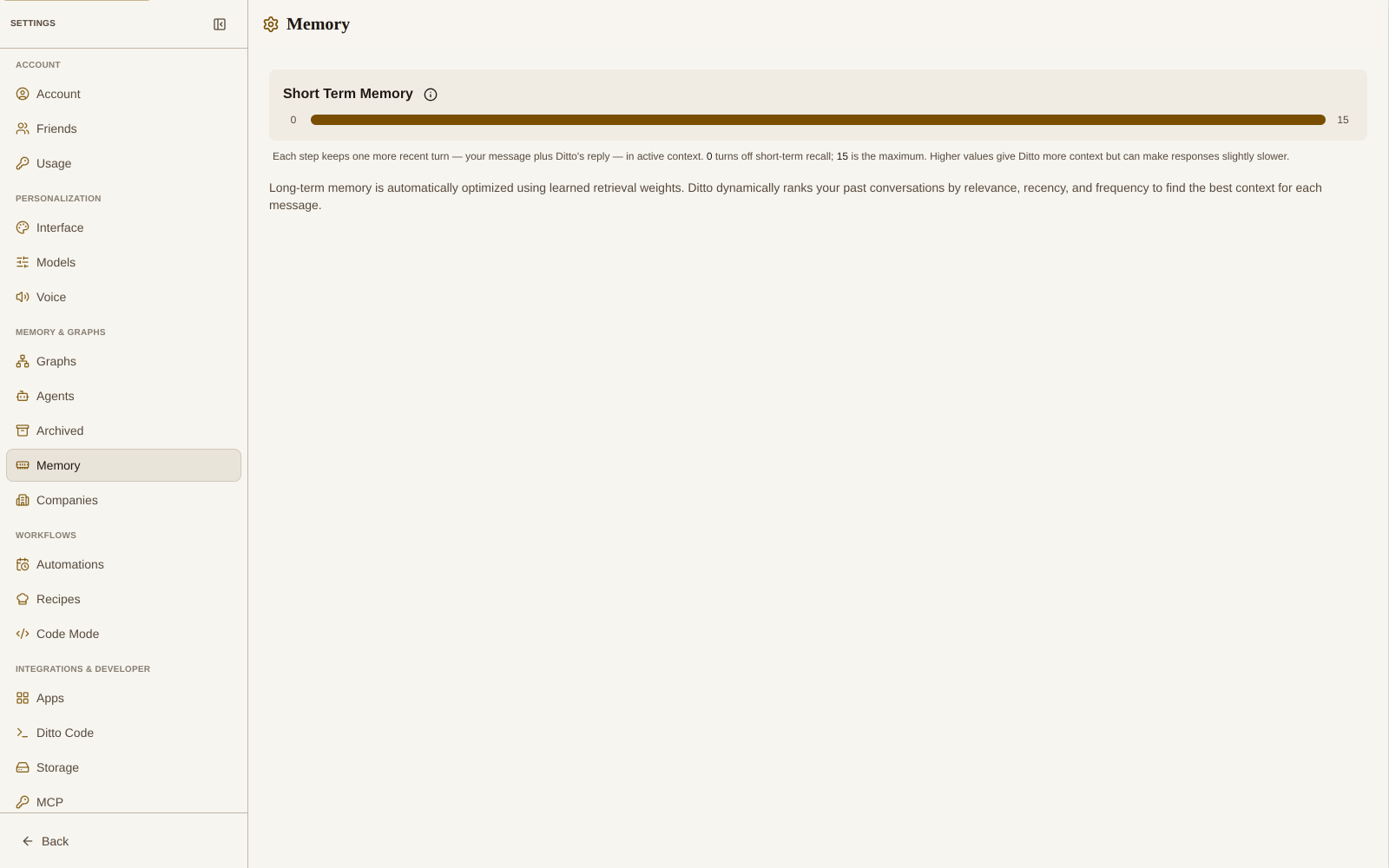
- Short-Term Memory: slider to control how many recent turns Ditto keeps (0–15)
- Long-Term Memory: automatically optimized using learned retrieval weights
Voice
Choose the voice Ditto uses for Read Aloud and Live Mode.
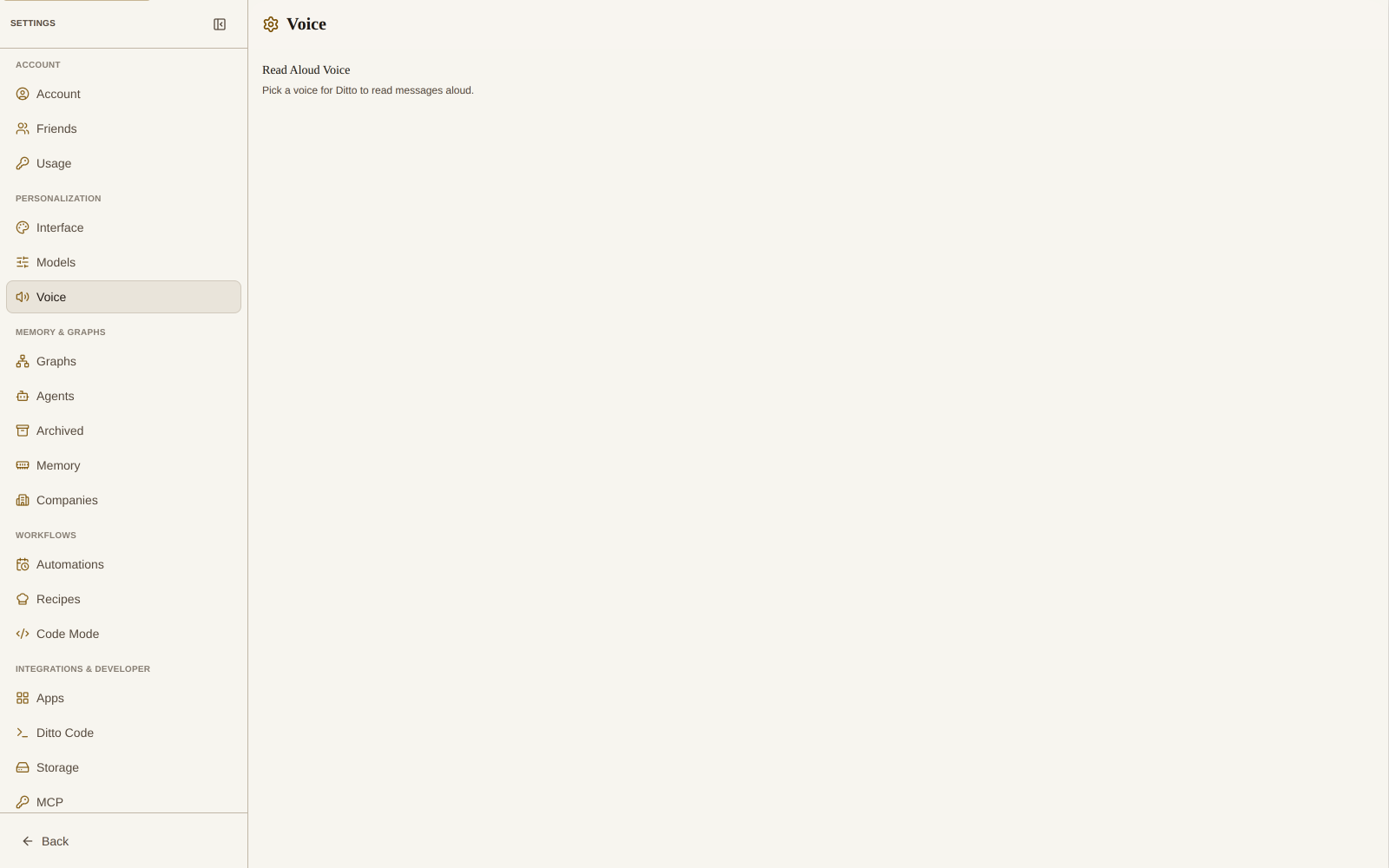
- Female voices: Achernar, Aoede, Callirrhoe, and more
- Male voices: Achird, Algenib, Charon, and more
- Preview: tap the play button to hear each voice before selecting
Import
Move existing AI conversations and notes into your main memory or another graph.
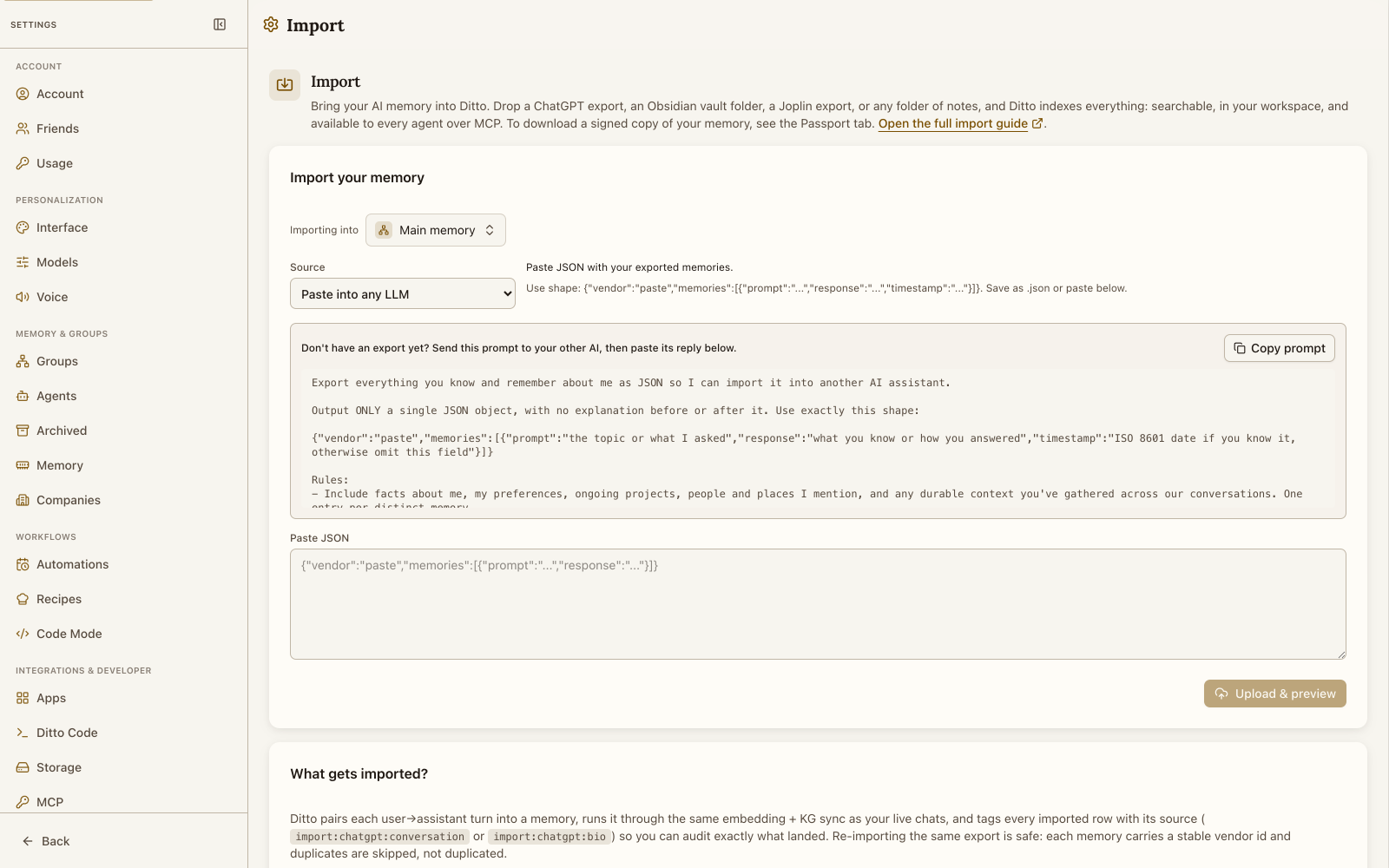
- AI exports: ChatGPT, Claude, Gemini, and Perplexity
- Notes: Obsidian, Joplin, Markdown or text folders, Google Keep, and Apple Notes
- Ditto passport: import a signed memory archive from another Ditto account
- Paste into any LLM: ask any assistant for structured memory JSON when it has no file export
See Import ChatGPT chats and other memories for provider export steps, supported files, and troubleshooting.
MCP
One tab covers both directions of MCP: connecting MCP clients (like Claude, Codex, or Cursor) to your Ditto memories, and connecting third-party MCP servers into Ditto.
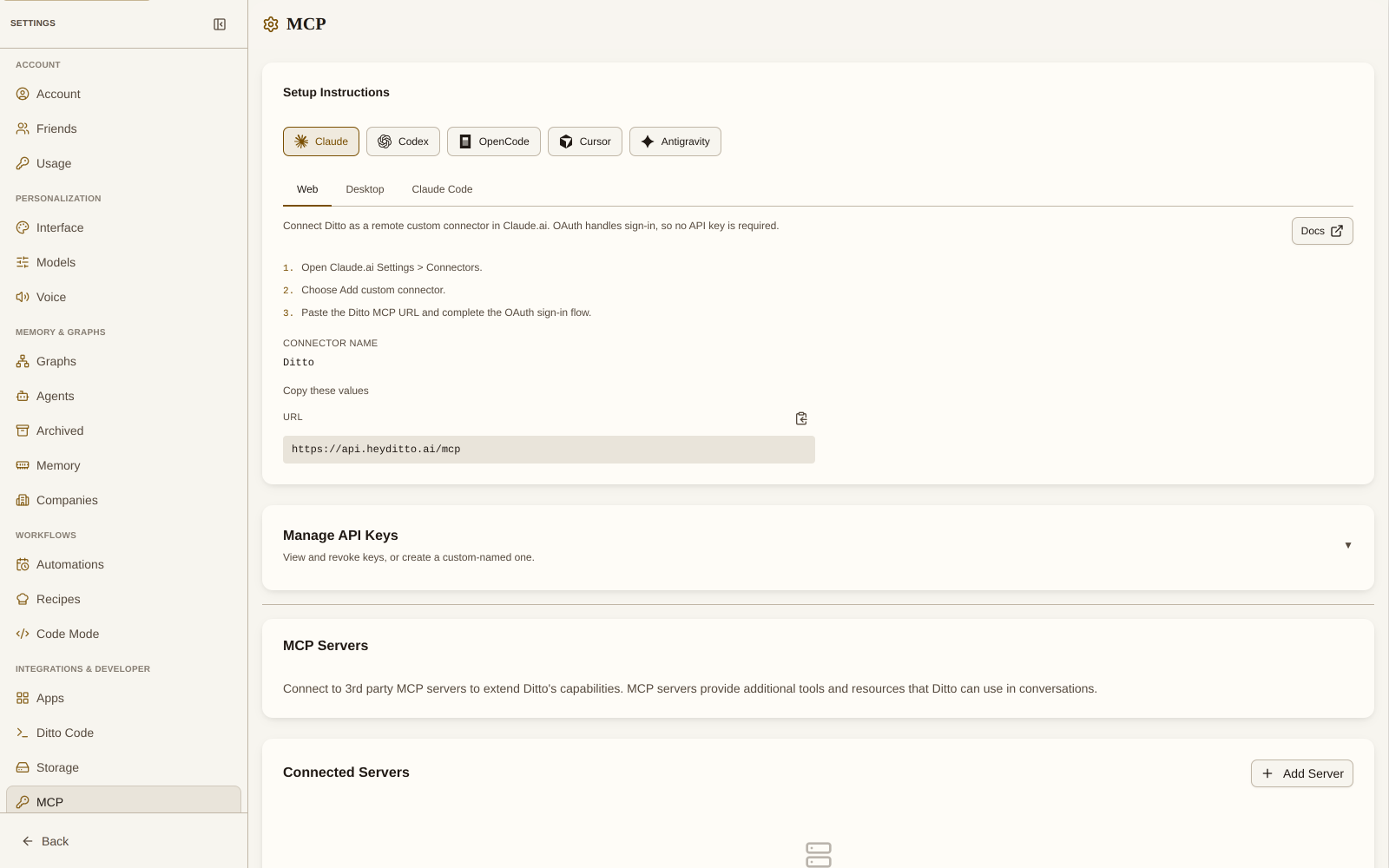
- Setup Instructions: pick your client (Claude, Codex, OpenCode, Cursor, Antigravity) and surface (web, desktop, CLI) for exact connect steps
- Manage API Keys: view and revoke keys, or create a custom-named one
- MCP Servers: add third-party servers to extend Ditto with additional tools
See the MCP Server documentation for client setup and MCP Connections for adding servers.
Apps
Connect Google Workspace, discover third-party apps built on Ditto, and manage cross-app data sharing.
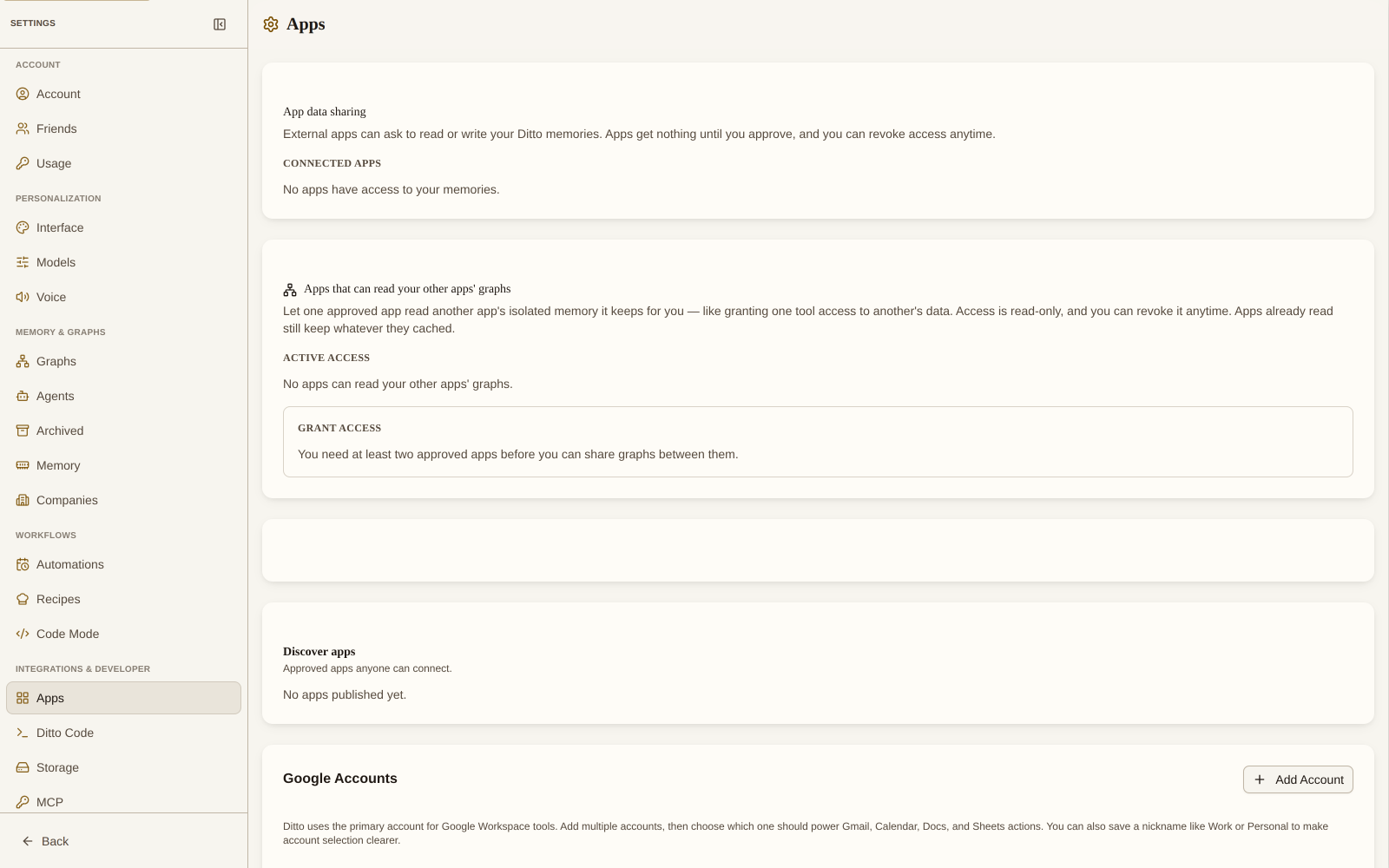
Available Google services (requires Pro plan):
| Service | Tools | What Ditto can do |
|---|---|---|
| Gmail | 5 | Search, read, send emails and manage drafts |
| Calendar | 5 | List, create, update and search calendar events |
| Docs | 4 | Create, read, update and search Google Docs |
| Sheets | 4 | Create, read, update and search spreadsheets |
The Apps tab also lists app invitations, lets you discover approved apps anyone can connect, and manages cross-app data sharing so one of your apps can read another’s data. See Connected Apps and Cross-App Data Sharing.
Knowledge Graphs
Control who can see your memory graph and which graphs you subscribe to.
- Visibility: keep your graph Private, share it with Specific friends, or make it Public
- Shared with you: subscribe to or dismiss graphs friends have shared with you
- Subscriptions: subscribe to public and foundation graphs (like
@minos) so they fold into memory search
See Knowledge Graph Sharing for the full guide.
Agents
Manage agent accounts that can read and write your Ditto memory.
- Pause / Resume / Revoke an agent’s access
- Restrict an agent to read-only
- Limit which threads an agent can read
- Connect new agents, including Claude Code
See Agent Accounts for details.
Developer
Build on top of Ditto. This tab was previously labeled Admin.
- Enable the developer surface and name your organization
- Create apps, publish them for review, and share tryout links
- Mint API keys with read/write access or individual scopes
- Open the API reference (Swagger)
Danger Zone
Advanced account actions. Handle with care:
- Delete all memories: permanently erase your memory network
- Delete account: permanently remove your account and all data