
Ditto supports uploading images, documents, and audio files directly in your conversations. Share screenshots, photos, PDFs, and more, Ditto can see, read, and discuss your attachments.
How to Upload
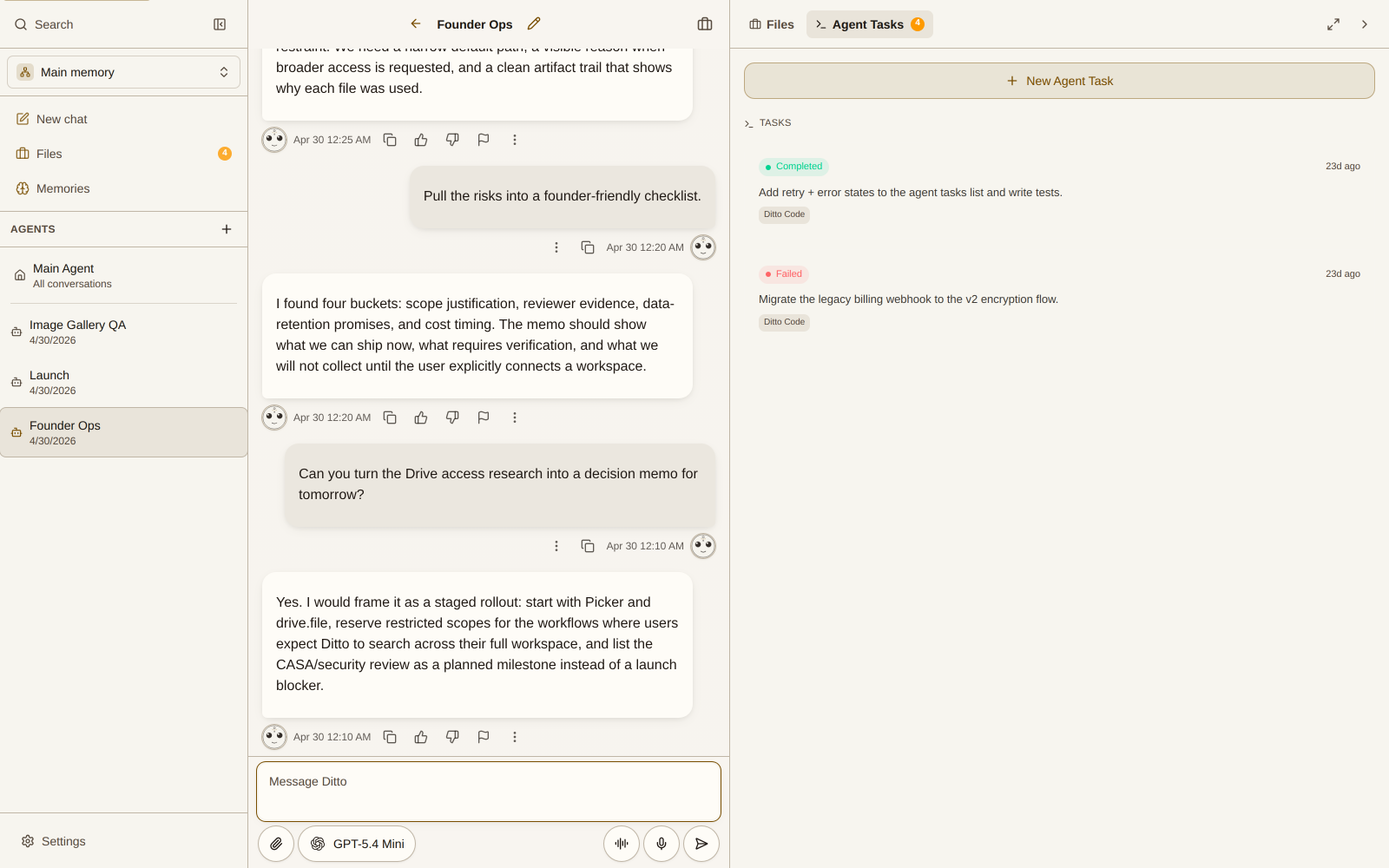
Tap the paperclip icon in the input bar to attach a file, or drag and drop files directly into the chat area.
Supported Formats
Images
- Formats: PNG, JPEG, GIF, WebP
- Images are automatically compressed for efficient upload while preserving quality
- Ditto can analyze, describe, and discuss the contents of your images
Documents
- PDFs: Ditto can read and discuss PDF content
- Share documents for review, summarization, or Q&A
Audio
- Voice recordings: record directly in-app or upload audio files
- Ditto transcribes audio and responds to the content
Tips for Best Results
- Be specific: tell Ditto what you want it to do with the attachment (“summarize this PDF,” “what’s in this screenshot”)
- Image quality: higher resolution images give Ditto more detail to work with
- Multiple attachments: you can send multiple files in a single message
- Context matters: Ditto uses your conversation context and memories alongside your attachments for better responses