
Ditto can connect to your Google Workspace to search emails, manage calendar events, create documents, and work with spreadsheets, all through natural conversation. Beyond Google, you can connect third-party apps built on Ditto from the Apps tab, each of which asks for exactly the access it needs through a consent screen.
Available Integrations
Gmail (5 tools)
- Search your inbox by keyword, sender, or date
- Read email content and attachments
- Send new emails and reply to existing threads
- Manage drafts
Google Calendar (5 tools)
- List upcoming events and check availability
- Create new calendar events with details
- Update or reschedule existing events
- Search across your calendars
Google Docs (4 tools)
- Create new documents
- Read and search existing docs
- Update document content
- Find documents by title or content
To bring a Google Doc into Notion, start from the Google Docs to Notion template.
Google Sheets (4 tools)
- Create new spreadsheets
- Read data from existing sheets
- Update cells and ranges
- Search spreadsheets by name
How to Connect
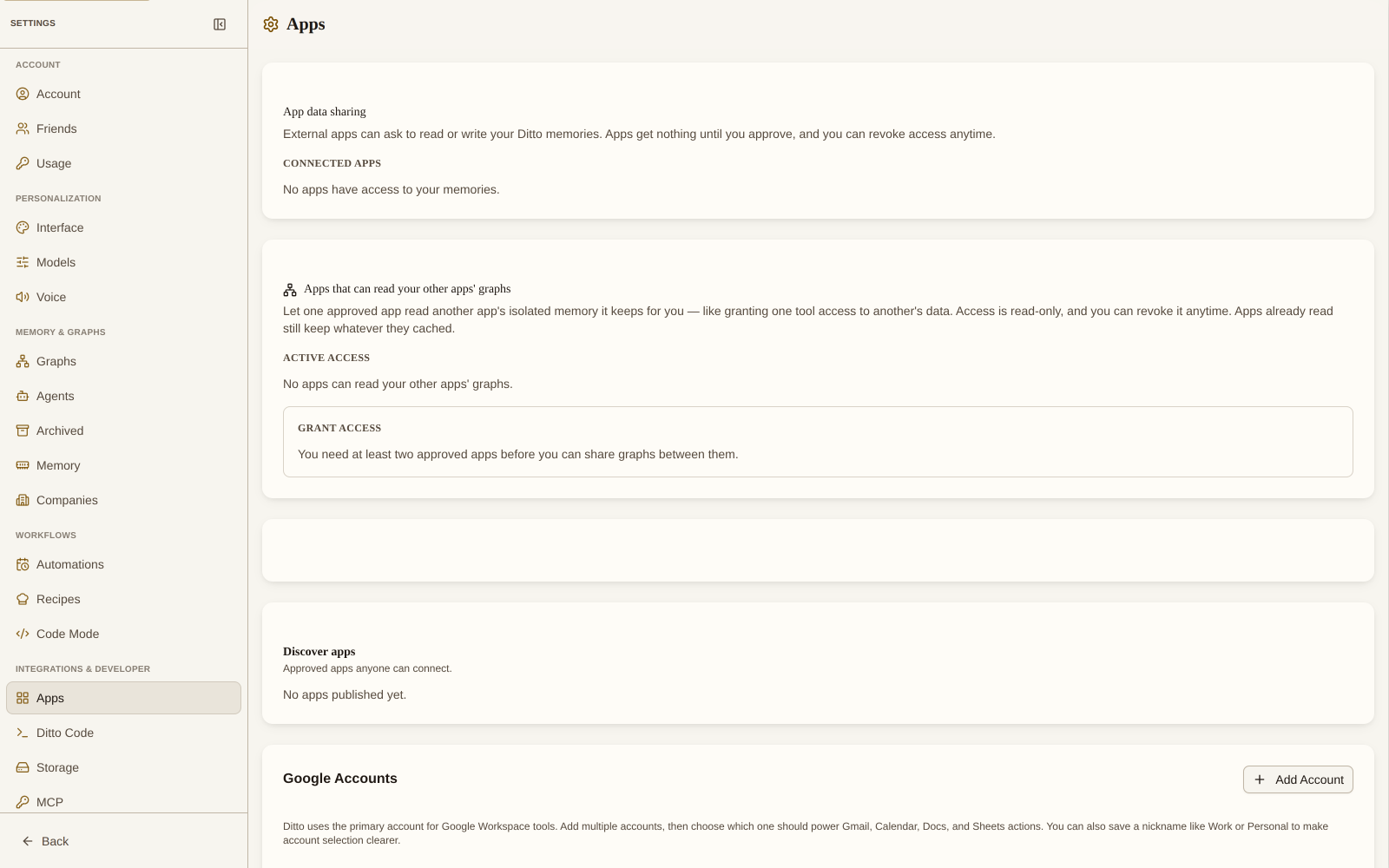
- Go to Settings → Apps
- Click Upgrade to Pro if you’re not on the Pro plan (Google Workspace requires Pro)
- Follow the Google OAuth flow to grant Ditto access
- Once connected, simply ask Ditto to interact with your Google services in any conversation
Usage Examples
Search my Gmail for emails from Sarah about the Q4 report.Create a calendar event for a team standup tomorrow at 10am.What meetings do I have this week?Create a Google Doc with notes from our last conversation.Privacy & Permissions
- Ditto only accesses the Google services you authorize
- You can revoke access at any time from Settings → Apps or from your Google Account settings
- Ditto does not store your Google data, it accesses it in real time when you ask
Third-Party Apps and the Consent Screen
Approved apps built on Ditto appear under Discover apps in the Apps tab, and developers can share tryout links to apps before they are listed. When you connect one, you see a consent screen titled Authorize app access that lists exactly what the app is requesting. You can approve only part of it.
Apps request access using granular memory scopes: separate permissions for reading, creating, updating, deleting, and archiving memories, split between your private main memory and the app’s own isolated app memory. Main-memory access is sensitive and always opt-in; an app you accept gets only its own sandbox until you grant more.
For a full breakdown of the consent screen and every scope, see App Permissions. To let one of your apps read another’s data, see Cross-App Data Sharing. If you build on Ditto, see Building Apps on Ditto.