
Ditto is your intelligent memory companion that actually remembers you, not just from yesterday, but from weeks, months, or even years ago. Unlike other AI assistants that reset every conversation, Ditto builds a comprehensive understanding that grows more valuable over time.
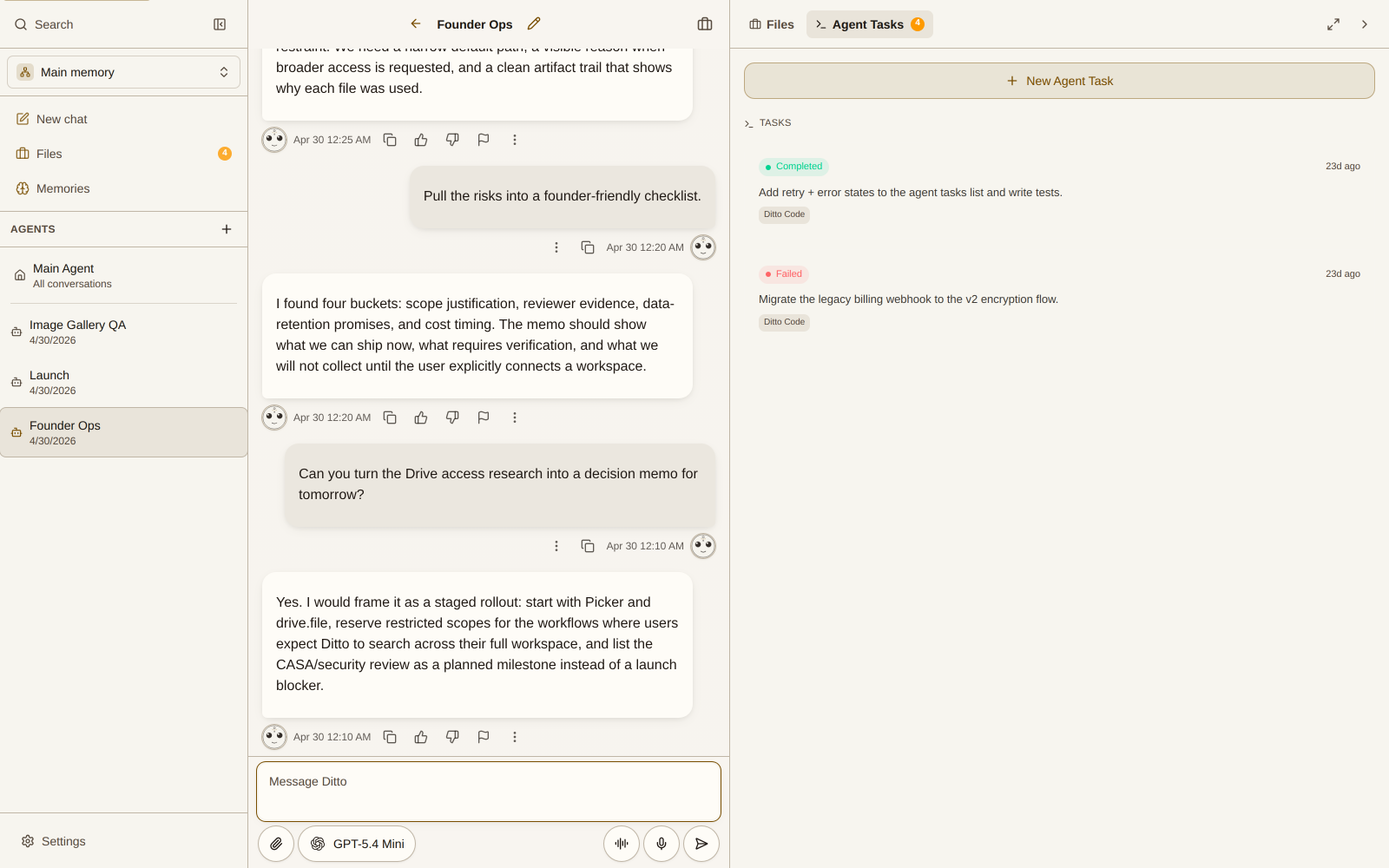
Quick Start (In-App)
- Create an account at heyditto.ai and sign in.
- Start a conversation and ask a few questions to build your memory baseline.
- Open Settings (top bar → Settings icon) to set:
- Models: choose Main / Programmer / Image
- Memory: tune short-term and long-term memory levels
- Explore memories with the Memories icon (top bar → brain icon).
- View personality insights with the My Personality icon (top bar → user-check icon).
Introduction Prompts
Initial Setup
Start by helping Ditto understand who you are:
I'd like to tell you about myself. My name is [Name], and I work as a [Profession]. I'm interested in [Interests] and currently working on [Projects].I'd like you to remember that I prefer [communication style, e.g., 'detailed explanations' or 'concise answers'].Could you help me set up my preferences for how we interact?Helping Ditto Understand You
Share about yourself so Ditto can better understand your personality:
I'd like to help you understand my communication style and preferences better.Can you ask me some questions to get to know my personality?Let's have conversations so you can learn how I like to interact and make decisions.Memory System Exploration
Creating Memorable Conversations
Let's discuss [Topic]. I'd like you to remember key points from our discussion.This is important information I want you to remember: [Information].I'm starting a project on [Topic]. Let's create a foundational memory about it.Exploring Memory Network
Can you show me my memory network based on our conversations so far?Show me how our conversations about [Topic] are connected.What do you remember about our previous discussions on [Topic]?Memory Controls (Settings → Memory)
- Short-Term Memory: how many recent conversation turns Ditto keeps in working context.
- Long-Term Memory: two levels of retrieval depth for relevant memories; set a level to 0 to disable it.
Note: Memory controls are available in Settings → Memory and may require a plan upgrade.
Task-Specific Prompts
Research Assistant
I need to research [Topic]. Can you help me create a research plan?Find the latest information about [Topic] and summarize the key points.Compare and contrast these concepts: [Concept 1] and [Concept 2].Creative Collaborator
Let's brainstorm ideas for [Project/Content].Help me develop the character of [Character Name] for my story.Generate an image of [Description] that I can use for my presentation.Learning Partner
Explain [Concept] to me as if I'm a beginner.I want to learn about [Subject]. Let's create a structured learning path.Quiz me on [Subject] to help me retain what I've learned.Productivity Aid
Help me draft an email to [Recipient] about [Subject].I need to prepare for a meeting about [Topic]. What questions should I ask?Create a weekly schedule for my [Project/Goal].Advanced Feature Prompts
Using Different Models
Switch to your most capable model for this complex question.I need detailed code for this project. Can you use the programmer model?Web Search Integration
Search for recent developments in [Industry/Field].Find the latest research papers about [Topic] and summarize their findings.What are the current reviews saying about [Product/Service]?AI Image Creation
Create an image of [Detailed Description].Generate a logo that matches my style preferences.Make an illustration based on our previous art discussions.Note: Ditto uses the GPT-image-1 model for image generation and can automatically adapt prompts based on your preferences.
Conversation Management
Maintaining Context
Let's continue our previous conversation about [Topic].Refer to what we discussed yesterday about [Subject].Before we continue, let me remind you that we were talking about [Context].Feedback and Refinement
That response was [too detailed/too technical]. Could you [simplify/elaborate]?I prefer when you [specific preference, e.g., 'include examples'].Let's try a different approach to this question.What Makes Ditto Different
Actually Remembers You
Ditto remembers your preferences, goals, and quirks from weeks or months ago, no more repeating yourself every conversation.
Speaks Your Language
Conversations feel natural because Ditto adapts to your personality and communication style automatically.
Personality Insights (My Personality)
Ditto can generate personality insights based on your real conversations.
- Access via My Personality in the top bar (user-check icon).
- Requires at least 30 memories before running the first assessment.
- Runs a background sync; you can close the app and check back later.
- Results include Big Five, MBTI, and DISC summaries with detailed breakdowns.
Coming Soon Features
- Deep Memory Search: Instantly ask Ditto about anything you’ve ever shared
- Real-Time Voice Chat: Talk to Ditto like you’re on a phone call
- Enhanced File Support: Voice notes, multiple image attachments, and document uploads
- Smart Auto-Routing: Ditto automatically chooses the best model for the task (rolling out)
Best Practices
- Share Your Context: The more Ditto knows about you, the better it helps
- Be Natural: Chat like you would with a friend who knows you well
- Give Feedback: Help Ditto learn your preferences and communication style
- Reference Past Conversations: Ditto connects new discussions to your history
- Explore Different Models: Try various AI models to find your favorites
Ditto isn’t just an AI assistant, it’s your intelligent knowledge companion, designed to understand you better and grow more helpful with every conversation. The more you use it, the more valuable it becomes.