



Recall the decision
Ask about decisions saved to the shared memory you can access.
Ditto + Trello
For project teams handing work to an AI assistant: share selected Trello card details with Ditto and prepare a brief you can review and reuse.
Find your saved context in Ditto, then recall it in a connected AI tool.
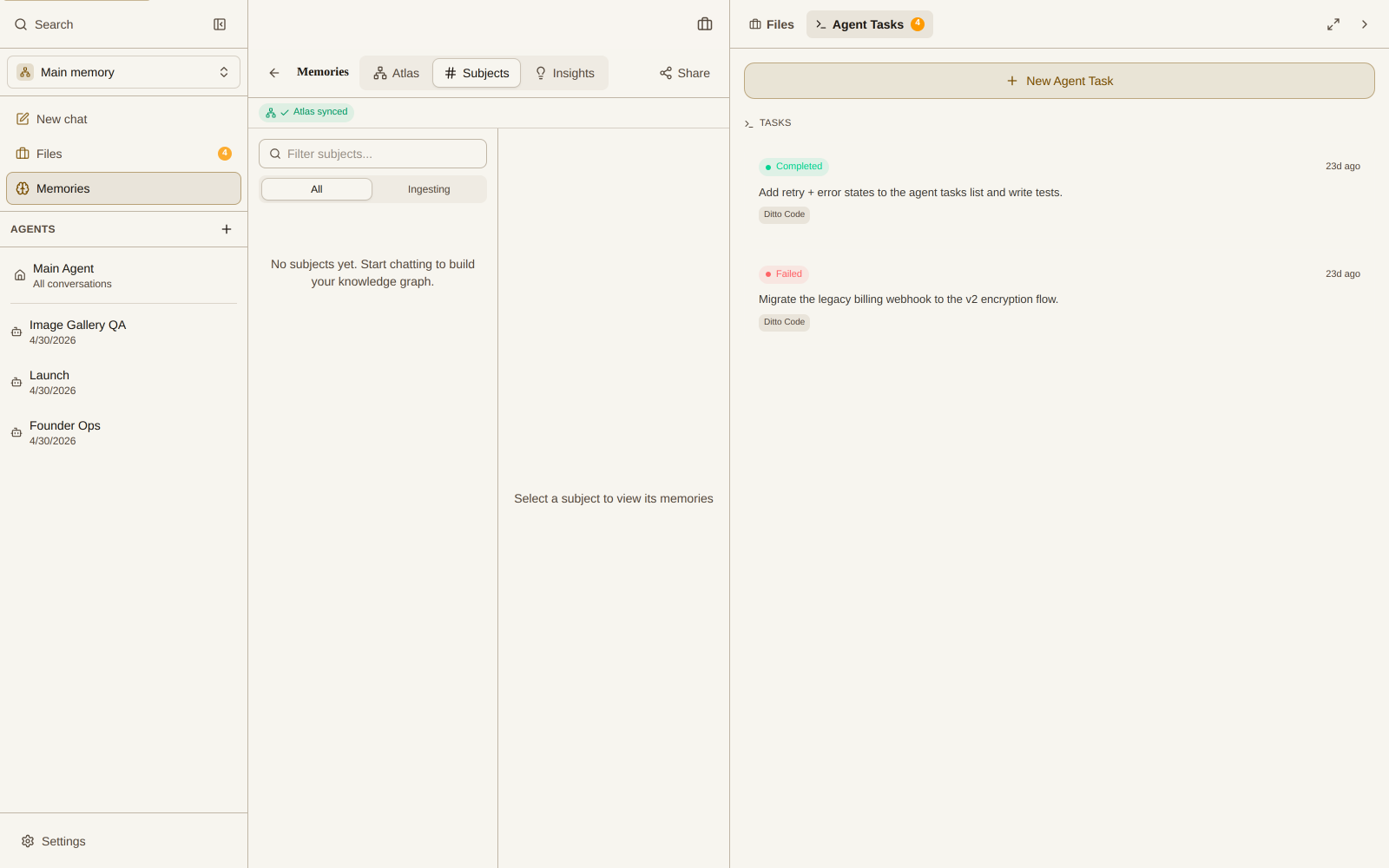
Ditto Memory view · Explore the interactive demo
Ask about decisions saved to the shared memory you can access.
Use those notes to write a brief, invitation, or next-step checklist.
Recall the same authorized memory in a separately connected MCP client.
Explore an example before setting up your own workflow.
A manual context handoff through Ditto memory, not a direct Trello-to-Claude connector. You choose what to share and keep the source card up to date.
Goal + constraints + source URLCopy the card details you are authorized to share. Include the constraints, open questions, source link, and copied date.
claude mcp add --transport http ditto https://api.heyditto.ai/mcpAdd Ditto MCP to Claude Code and complete account authorization. This connects your memory, not your Trello board.
Review → save with Ditto MCPAsk for a brief, check it against the card, then ask the agent to save the reviewed version with Ditto MCP.
Recall → check the current cardRecall the brief in your next session. Check it against the current card and resolve any differences before working.
Choose a team workflow to see what to ask, what context it needs, and what you can take away.
No. The workflow on this page starts with card details you manually share. It does not automatically read, create, move, archive, or synchronize Trello cards.
After you connect Claude Code to Ditto MCP and save the brief, you can ask it to retrieve that memory. Access depends on the account and permissions you authorize. This does not give Claude Code direct access to Trello.
Share the goal, relevant description, acceptance criteria, source URL, and any open questions you are authorized to share. Include a date so you can check whether the brief is still current.
Do not assume a client can open a private Trello card. For this workflow, paste the relevant card details you are permitted to share. Keep the URL as a reference so you can return to the source.
The saved brief is not a live mirror. Check it against the current card, then review and update the brief through your connected client when needed. Keep the copied date with the notes.
Yes. Use a made-up, non-sensitive card. Draft and save a brief through Ditto MCP, start another session, and ask for it by project name. Check the returned constraints against your example before using project material.