



Recall the decision
Ask about decisions saved to the shared memory you can access.
Ditto + Slack
Ditto is an AI assistant for teams working in Slack. Turn saved decisions into a brief or invitation, using a direct message, @Ditto mention, or /ditto.
Requires a Ditto account, Slack installation permission, and Slack enabled in your Ditto settings.
Find your saved context in Ditto, then recall it in a connected AI tool.
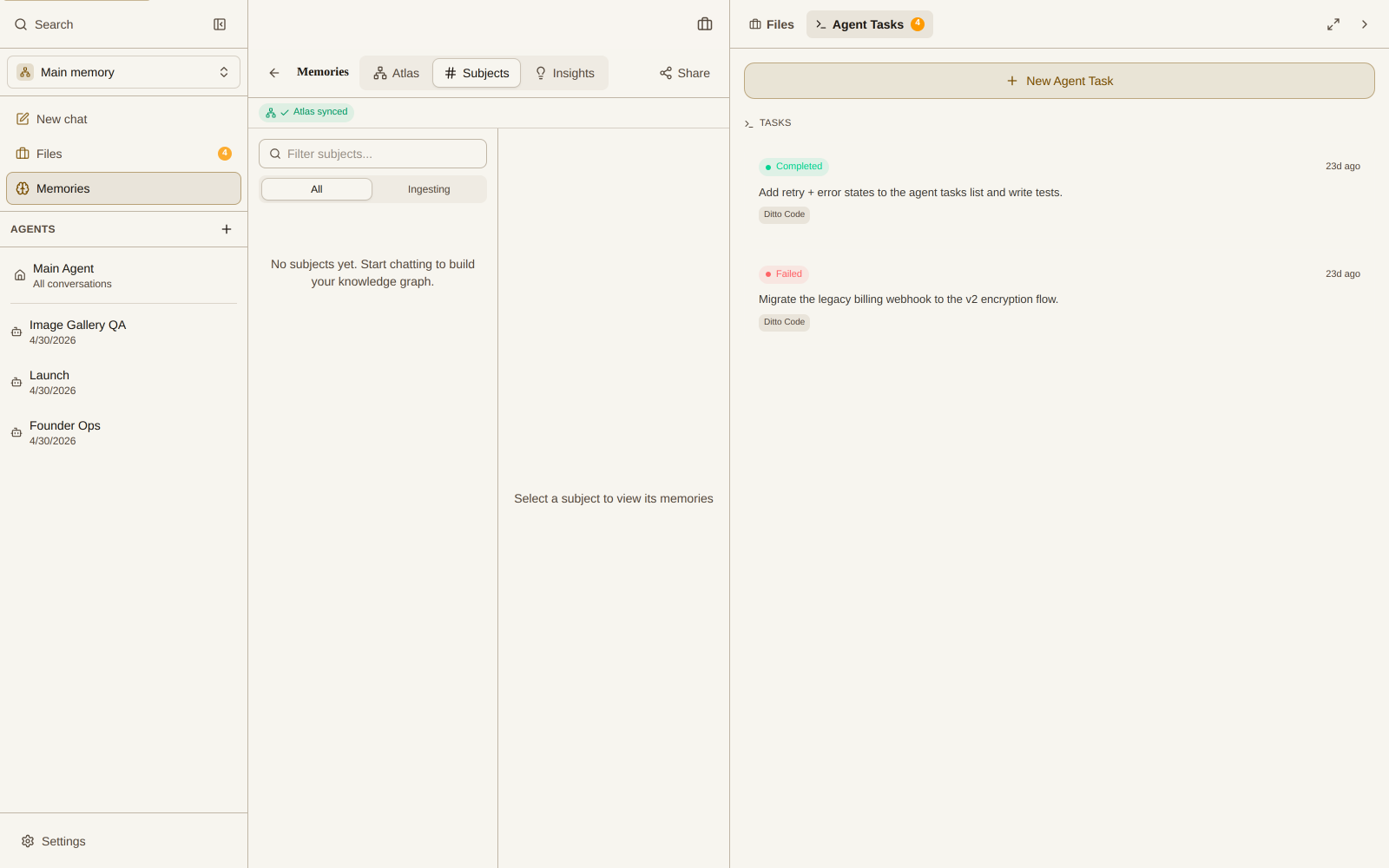
Ditto Memory view · Explore the interactive demo
Ask about decisions saved to the shared memory you can access.
Use those notes to write a brief, invitation, or next-step checklist.
Recall the same authorized memory in a separately connected MCP client.
Interactive app preview with fictional, read-only Slack, Telegram and Discord conversations. No live accounts are connected.
Explore an example before setting up your own workflow.
Use the Ditto app inside Slack. This is separate from connecting Slack history or configuring a Slack AI MCP connector.
Settings / Apps / SlackOpen Slack in Ditto’s Apps settings, then choose Connect Slack in the Ditto bot section.
Review workspace accessChoose the correct workspace and review the requested access. Ask your administrator if approval is required.
Message Ditto → link your accountSend Ditto a direct message and follow the account-linking prompt. Installing the workspace app does not link your personal account.
/invite @DittoInvite Ditto, then mention @Ditto or use /ditto with a question. Review shared-memory settings before using team context.
Choose a team workflow to see what to ask, what context it needs, and what you can take away.
No. Talking to Ditto inside Slack and connecting chat history are separate options. This guide covers the Ditto bot. Review the options shown in your account before enabling either.
The examples here are requests you initiate. They do not promise background channel monitoring, scheduled summaries, or access to all workspace messages.
Direct messages use the Ditto account you link. Channel context depends on the shared workspace and permissions configured for the Slack installation. Saving channel memories is off by default; enable it and choose a shared workspace before relying on it. Test channel requests separately from DMs.
Invite the Ditto app with /invite @Ditto, then mention @Ditto in your question. You can also use /ditto followed by a question. If there is no reply to a mention, check that the app is installed in the workspace and invited to the channel.
That depends on your Slack workspace’s app-installation policy. Review the access requested during authorization and ask an administrator if the workspace requires approval.
You can connect a compatible client to Ditto MCP separately. The client can work with memory available to the account and permissions you authorize; installing the Slack bot does not connect your coding client automatically.